

Create your first Primavera P6 schedule in minutes and iterate with AI using nPlan's Schedule Studio. Sign up and get started!
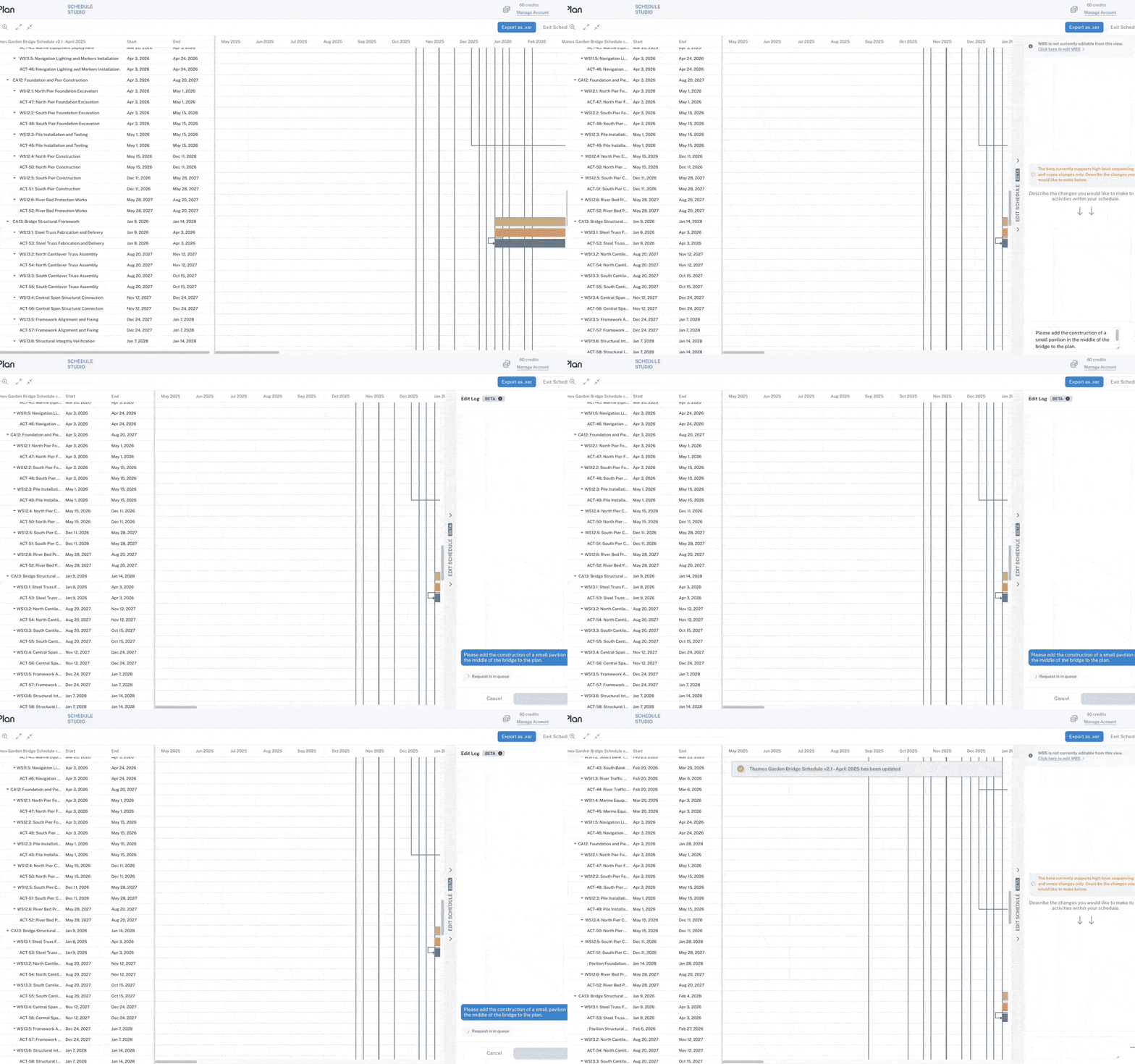
nPlan’s Schedule Studio software generates Primavera P6 schedules from scope documentation, and you can iterate on existing P6 schedules based on scope changes, as well as compare schedules. nPlan’s AI can do the work of an experienced planner in minutes, freeing up time for strategic planning. Don’t believe us? Sign up now for free, generate a P6 schedule, or upload a schedule and prompt Schedule Studio to make desired changes.

A COLLABORATION BETWEEN

&

Harness the power of generative AI for effortless creation and iteration of Primavera P6 schedules.
Schedule Studio leverages GraphGen, nPlan's world-first Generative AI model specifically designed and trained to understand and create construction schedules. It works with your existing Primavera P6 schedules.
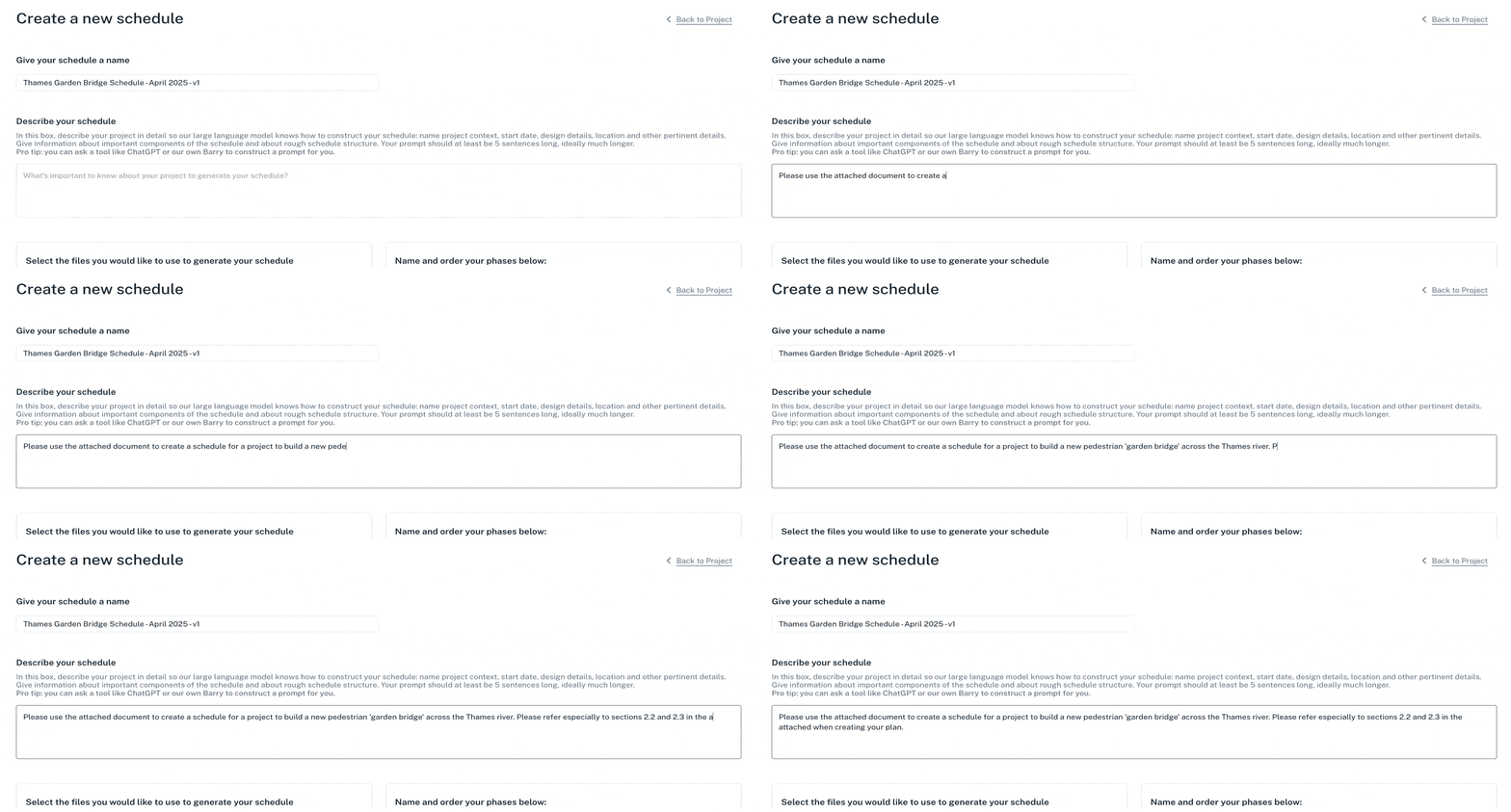
Describe your project in natural language — or upload your scope, brief, or RFP.
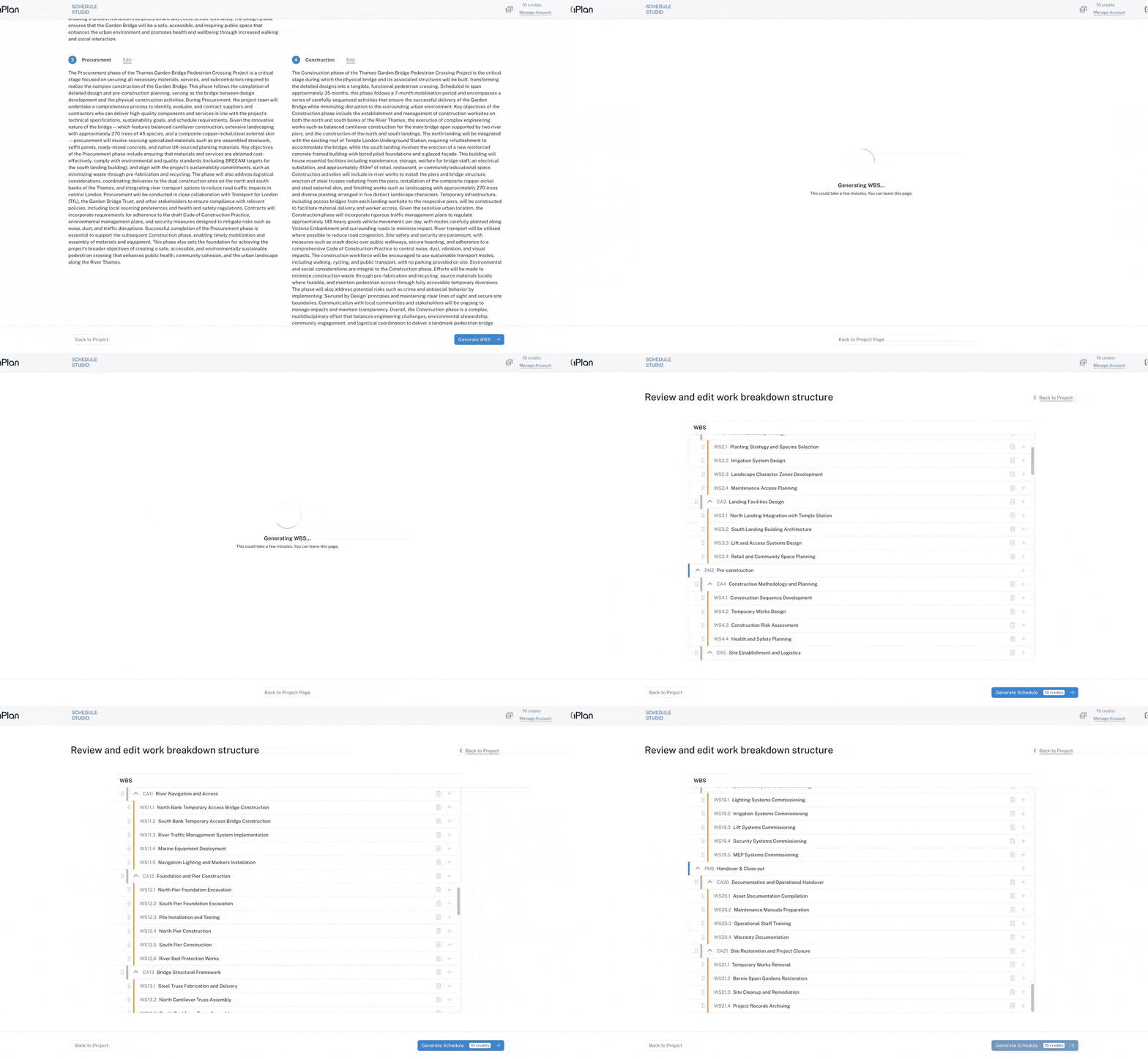
Validate the AI's assumptions before moving to detailed schedule generation.
Edit your WBS with ease.
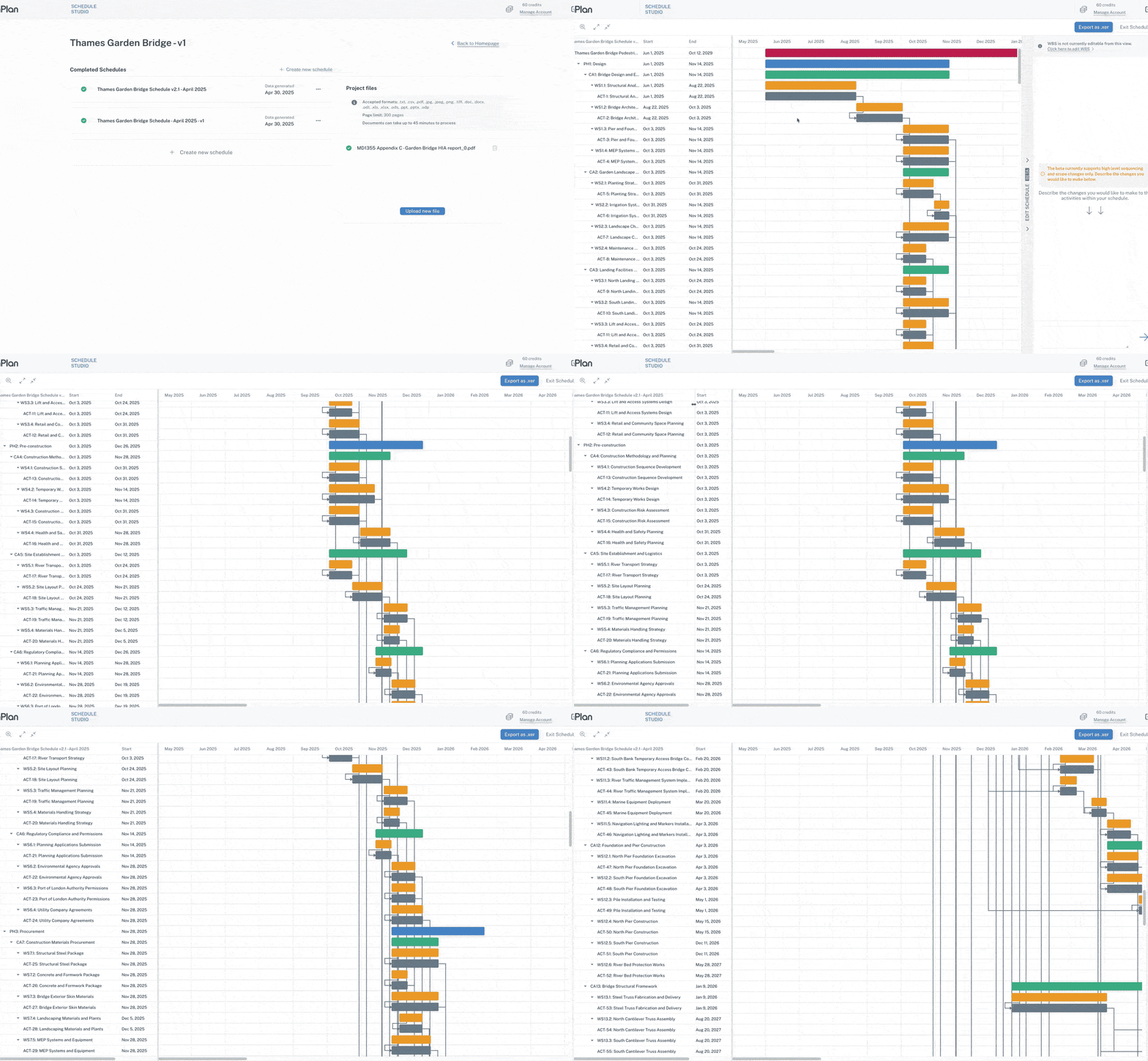
Review your AI-generated schedule in a clean, logic-linked Gantt view.
Export your AI-generated schedule to P6 - instantly.


Generate detailed schedules in minutes, not weeks
Spend less time on schedule development gruntwork - and more time reviewing and improving your project plans
Scale planning capacity without increasing headcount
Version and compare plans effortlessly
Respond faster when scope changes
Mobilize faster, with clearer plans from day one


Frequently Asked Questions
Sign up now and try Schedule Studio for free!
Get started with Schedule Studio and make your first schedule or edit an existing P6 schedule. No obligation or credit card required to give it a test run!


