

Schedule Studio
Request access to Schedule Studio
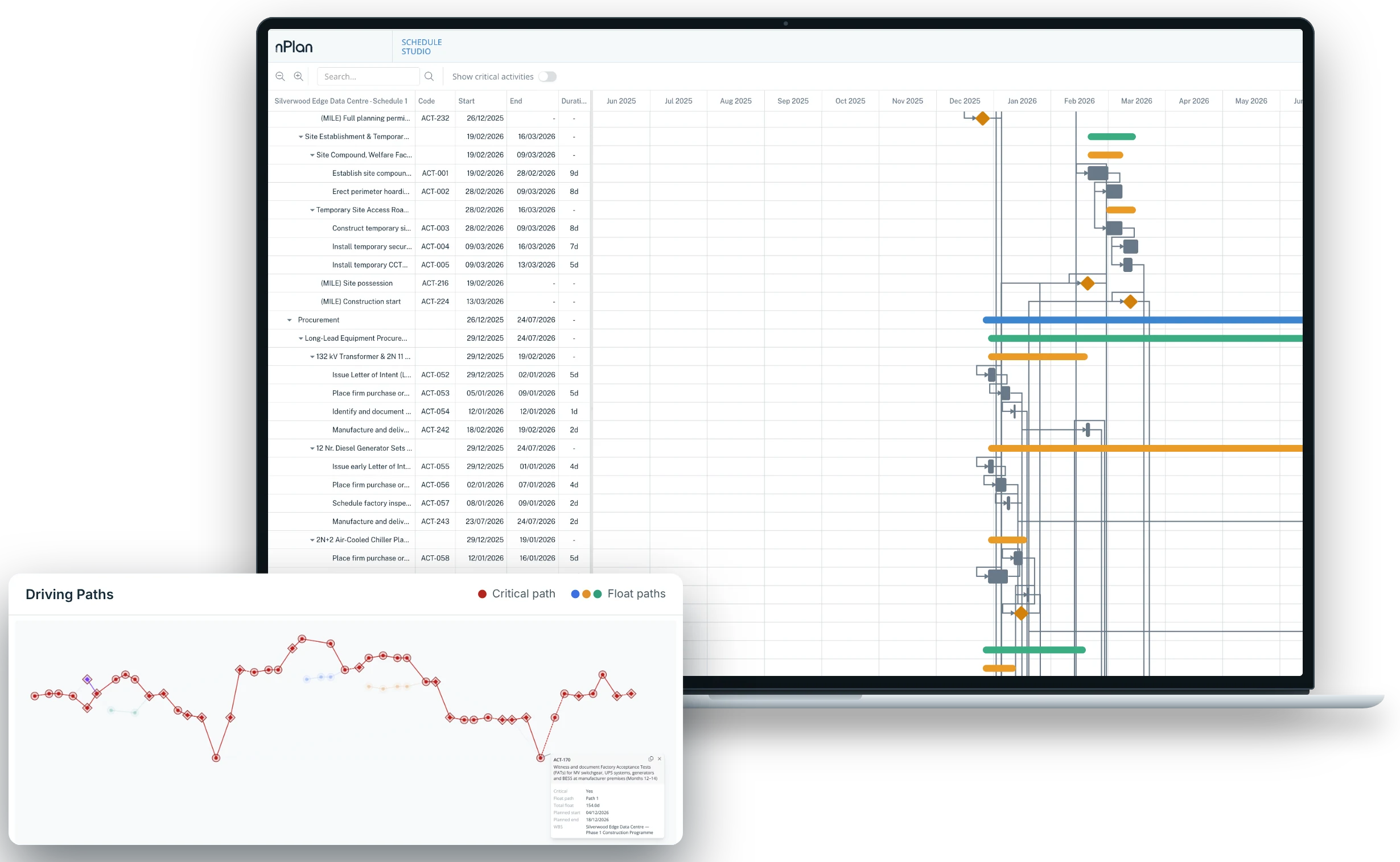
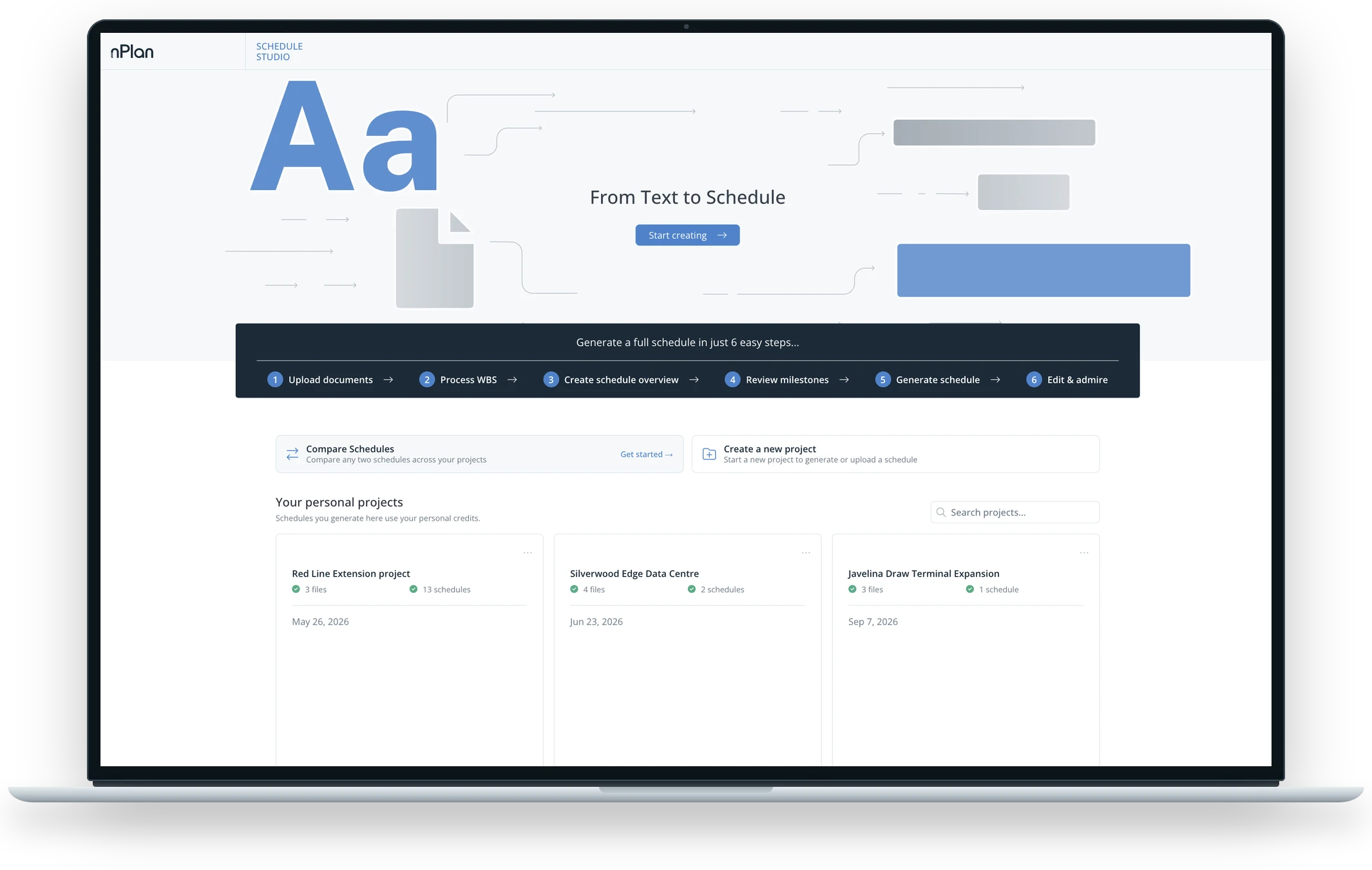
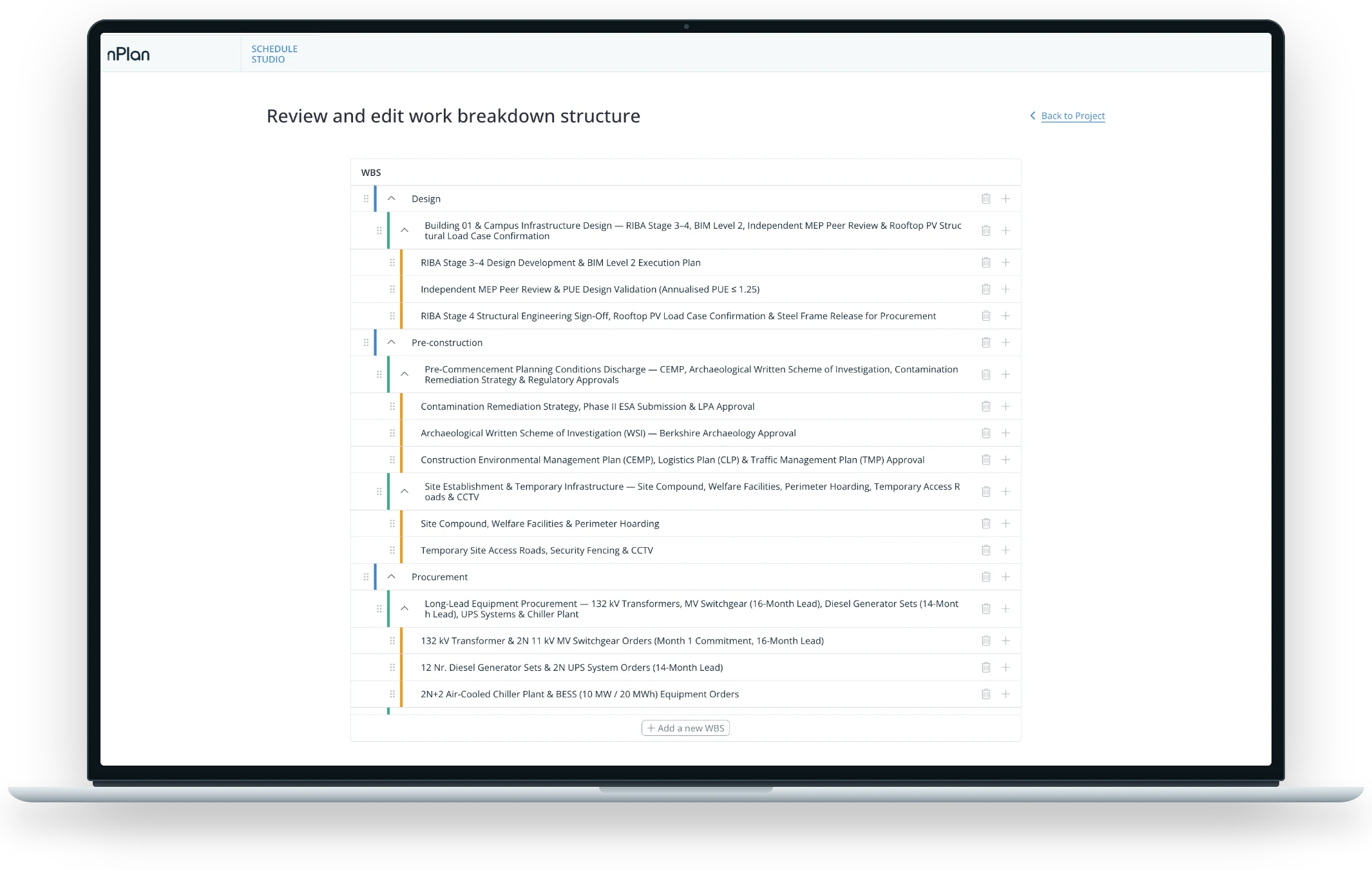
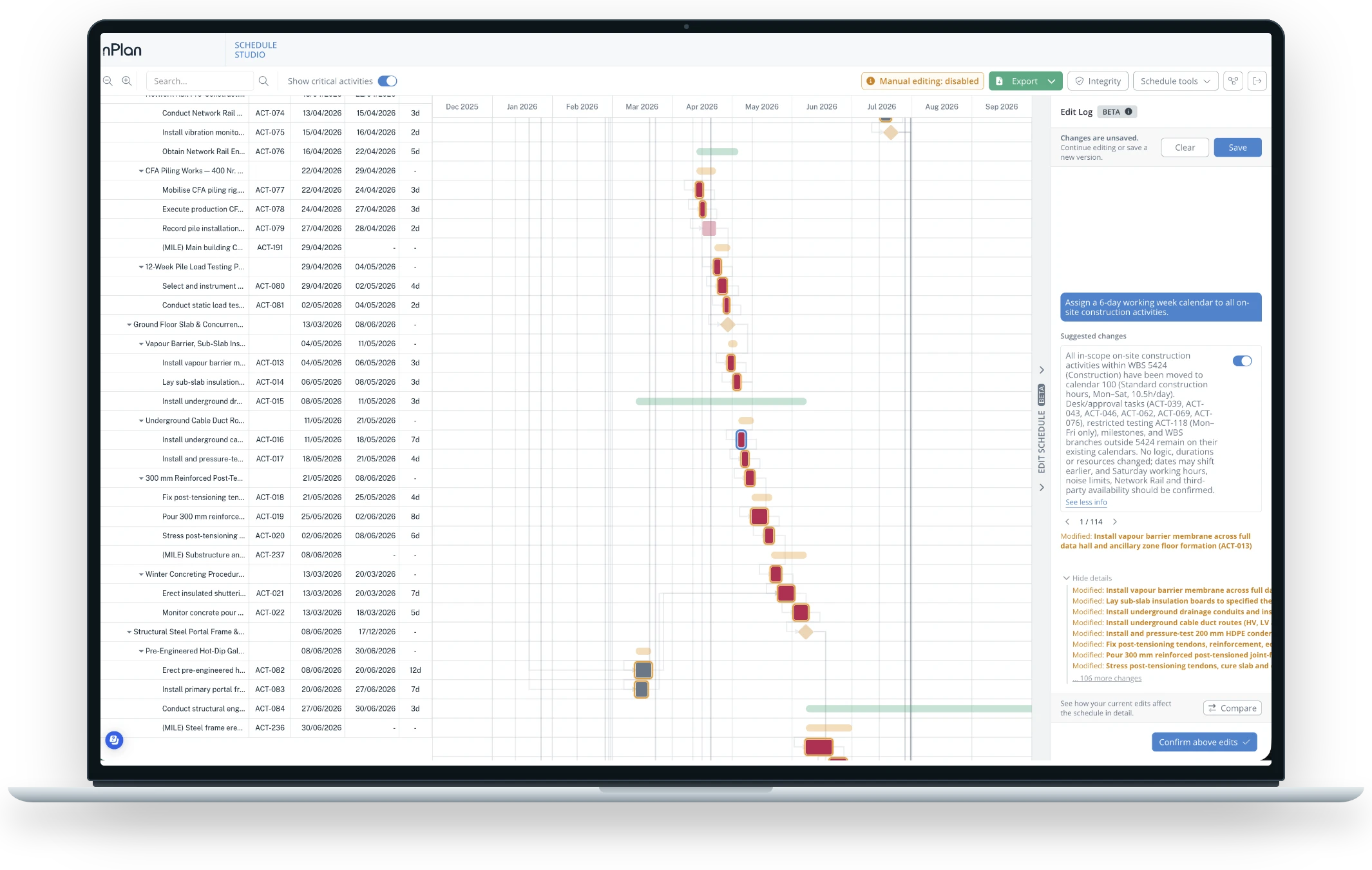
Schedule Studio turns your scope documents into a logic-linked first draft you can refine and export to P6 or MS Project. Fill in your details and our team will be in touch to get you set up.
A COLLABORATION BETWEEN

&

How it works
What we can help with
Once you've sent your request, someone from the Schedule Studio team will get back to you. Most conversations start with one of these.
0
Organisation accounts for your team
0
A walkthrough on your own project
No items found.
FAQs
Frequently Asked Questions
0
Where does my data go?
nPlan is ISO 27001:2022 certified, SOC 2 Type II compliant and holds Cyber Essentials, and your data is encrypted in transit and at rest. If your company has specific security requirements, talk to us and we'll go through them with you.
Request access
Request access to Schedule Studio
Fill in your details and we'll be in touch to get you set up.


