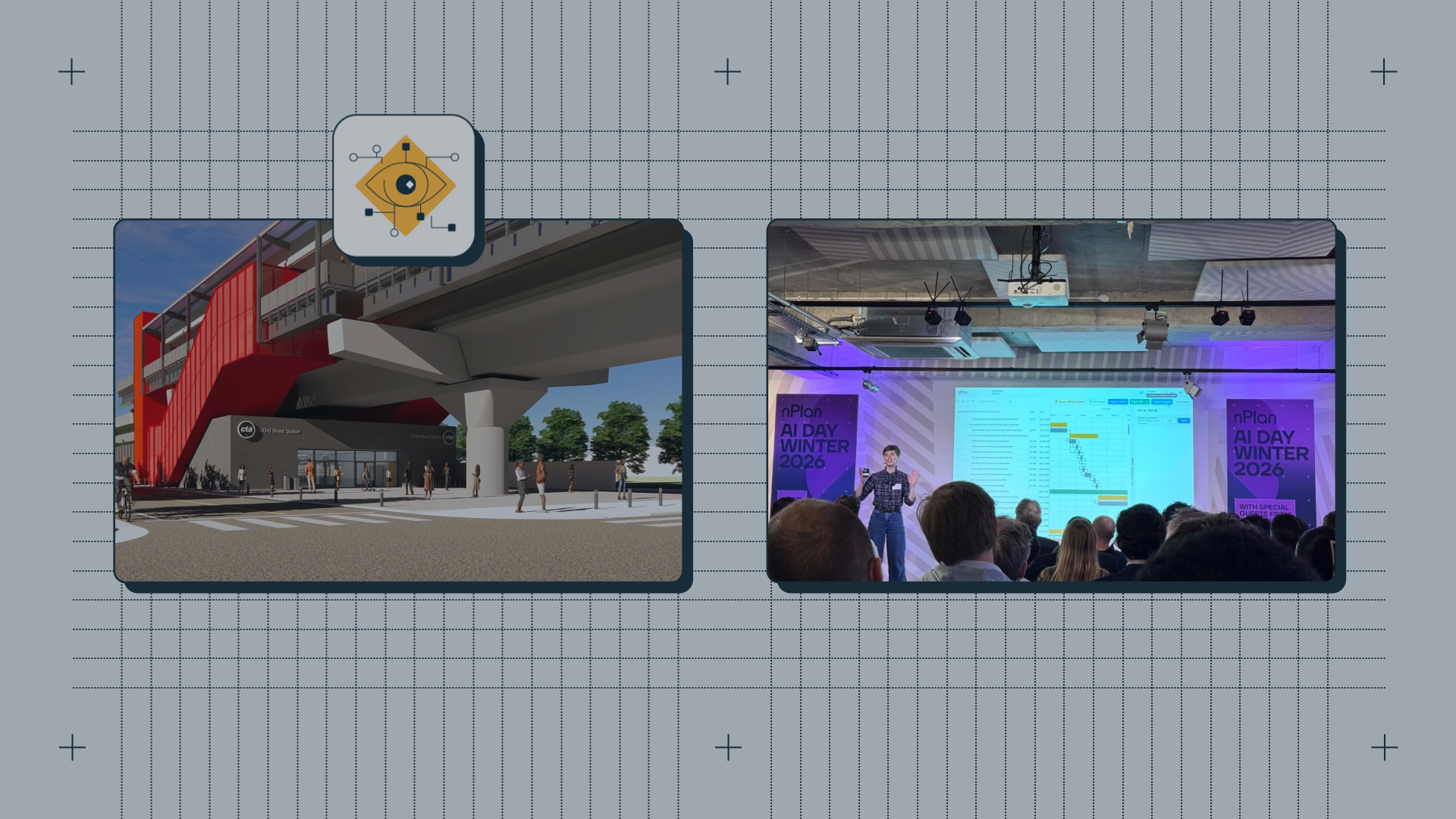
Speed-Running the Project Controls Loop - Using Chicago Transit Authority’s Red Line Extension as a Case Study
At AI Day, we showed - using Chicago’s Red Line Extension as a case study - how collapsing the cost of running the Project Controls Loop transforms how capital projects are controlled and delivered.

On 5 February 2026, nPlan hosted the Winter Edition of its AI Day - a showcase of the products and innovations developed by our research, engineering and product teams - combined with a fireside chat featuring project leaders at the Sizewell C megaproject (highlights of which will be coming to this blog soon!).
Followers of nPlan on LinkedIn (and if you're not following us on LinkedIn, what have you been doing?) will know that the event was a big success, with our keynote presenters and special guests playing to a very full house; after the official networking was finished we actually struggled to clear the room - folks wanted to stay and chat about what they had seen, and it was clear a tipping point had been reached; something had shifted in the discussion around AI and project delivery.
This edition of AI Day focused on a single theme: the Project Controls Loop - the continuous cycle that underpins effective capital project delivery:
A schedule is created.
Artefacts are maintained.
Risks across time, cost, and quality are assessed.
Scenarios are analysed.
Changes are issued.
Work is executed.
Progress, events, and costs are gathered - and fed back into the schedule.
Then the cycle begins again.
At AI Day we showed that nPlan’s AI now enables teams to speed-run that loop - not simply automate isolated tasks within it, but move through the entire cycle faster, more frequently, and with greater control.
To demonstrate that claim in practice, our VP of Product Leonie Mueck selected a project that is not using nPlan - the Chicago Red Line Extension - and ran the loop live using publicly available scope documentation.
What follows are the key moments from her demonstration.
From Public Scope to a First Schedule
The demo begins in Chicago.
A politically exposed, multi-billion dollar extension. A decade in planning. No schedule yet. Pre-construction. Just scope documents and alignment maps - the exact position many owner teams find themselves in before procurement.
Instead of beginning with a contractor programme, Leonie uploads publicly available documentation into Schedule Studio. Take a look:
Watching this unfold in the room, what stood out was not just the speed, but the specificity.
The generated Work Breakdown Structure reflected funding sources, environmental permitting, and regulatory requirements such as NEPA compliance. It was clearly shaped by the context of this project. When milestones were added - including a federal permits completion milestone - they were logically integrated, not simply placed for reporting purposes.
“In less time than it takes to bake a deep dish pizza to perfection…”
The humour sort-of landed. But the point was serious: the traditional bottleneck - generating a structured, logic-linked schedule - had been removed.
Without a schedule, there is no loop. Here, the loop had somewhere to begin - immediately.
Expanding Our Foundational Schedule
A high-level schedule is useful for discussion. It is not enough for delivery.
In the second clip, environmental permitting is expanded into delivery-level detail - logically connected, with explainable durations attached.
What mattered here was control. The schedule deepened without fragmenting. Tasks were expanded deliberately. Structure was preserved.
This is the often overlooked part of the loop: maintaining artefacts so that they can evolve without being rebuilt. If each refinement requires starting over, iteration becomes expensive.
Here, refinement was efficient - and repeatable.
Identifying the Schedule Risks and Critical Paths That Matter
With the schedule in place, the demo moved into Insights and Driving Paths.
Driving Paths and probabilistic forecasting are not new to nPlan. In fact, this is the core technology the company was founded on - the data-driven forecasting and risk identification capability built from hundreds of thousands of real project schedules.
AI Day was focused on what’s new. So Leonie moved through this section quickly.
But it mattered.
In a matter of moments, probabilistic criticality appeared on screen - informed by more than 750,000 real project schedules. Activities that looked operational - topsoil stripping, stockpiling - emerged as genuine drivers of delay.
“Chicago’s not called the Windy City for nothing.”
It was a light moment, but it underscored something foundational: risk is embedded in the network.
The reason this section was short is precisely because it is established. This forecasting engine is mature. It works. It has been proven across some of the world’s largest capital programmes.
What AI Day demonstrated was not that this core capability exists - but that it can now be inserted seamlessly into a much faster loop.
From Risk Insight to Action
This was the moment the demonstration moved beyond impressive visualisation.
Using Barry Skills, Leonie connected schedule forecasts directly to cost exposure. Let's see:
Burn rates shifted. Cost projections responded. Late-stage safety certification emerged as both risky and expensive.
And then came the pivotal question:
“What are you going to do about it?”
Early warnings were drafted. Action recommendations were generated. Geographic context - including coordination requirements at 130th Street Station on the River Calumet - was inferred automatically from project documentation.
Finally, the analysis and recommendations were packaged into a governance-ready PowerPoint for escalation.
This was not analysis for its own sake. It was a complete loop:
Assess → Analyse → Issue → Report.
And it took minutes.
Option Selection Lollapalooza
The final clip demonstrated something equally powerful: option modelling at speed.
Instead of reacting to risk, Leonie adjusted the delivery strategy - avoiding construction during Lollapalooza - by editing the Work Breakdown Structure.
A new schedule was generated. The two schedules were compared in detail within Insights.
Differences in logic, activity sequencing, and impact were surfaced clearly. Barry could explain what changed at activity level.
What would normally require weeks of scenario development became a rapid experiment.
And this has broader implications. When scenario testing becomes cheap, teams explore more options. When they explore more options, decision quality improves.
The loop does not just move faster - it becomes more productive.
Why This Matters
The significance of AI inside the Project Controls Loop is not that individual tasks are faster.
It is that the cost of iteration collapses.
When iteration is expensive, teams go around the loop reluctantly and infrequently.
When iteration becomes cheap, they go around it continuously.
Risks are surfaced earlier.
Options are tested more often.
Decisions are better informed.
Rebaselining becomes less traumatic.
That was the central point of AI Day.
The Chicago demonstration made it tangible.
Speed-running the Project Controls Loop is not a gimmick. It is a structural shift in how capital projects can be controlled - and ultimately, how they can be delivered.
The full AI Day recording is available to watch right here - get it while it's hot.


