Table of contents

Schedule Studio
Project scheduling
Industry events
Generative AI
What 780,000 schedules taught us about building the next one
What 780,000 real schedules can teach planning teams: where the time goes, what a good tool needs to do and how Schedule Studio works.

Written by
Ben Koops
Ben helps planning and scheduling teams spend their time on judgement, not linking. He leads Schedule Studio's work with planning teams across owners, contractors and consultancies, and thinks a perfectly logic-linked schedule is a work of art.
Key takeaways: Building a schedule by hand takes weeks, so most planning teams commit to the only version they had time to make. Schedule Studio draws on 780,000 real construction schedules to produce a logic-linked first draft in hours, which your planners then review, refine and export to P6 or Asta, with every judgement call left to them.
ON-DEMAND WEBINAR · 44 MINUTES
Watch AACE UK x nPlan: What 780,000 schedules taught us about building the next one
Watch the webinar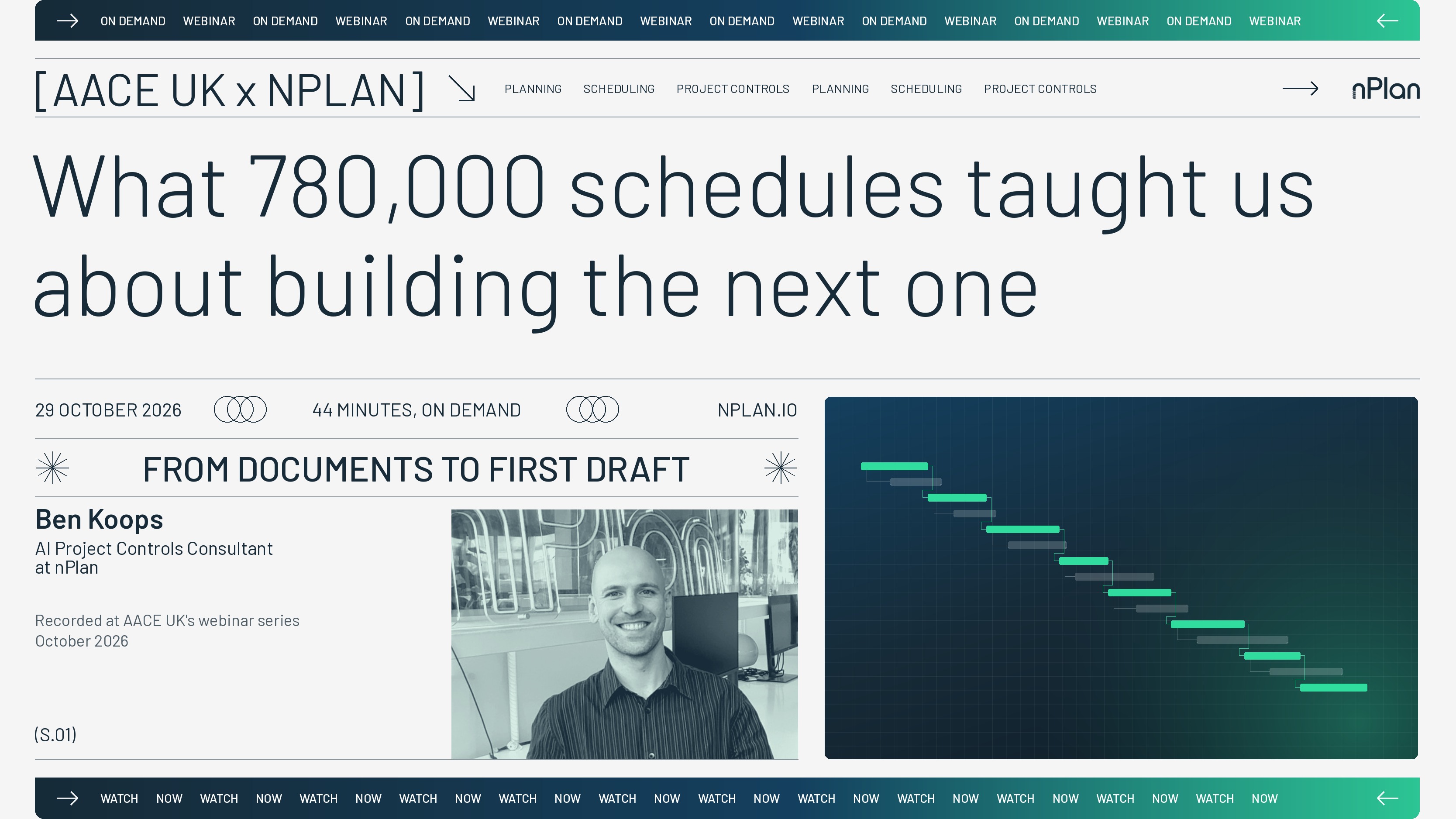
I recently hosted a webinar in partnership with AACE UK about what nPlan's dataset of real construction schedules can teach us about building the next one. If you missed it, this post covers the main points and the full recording is available on demand.
How a schedule gets built today
When you lay the process out, it's easy to see why so many planners feel stretched. A tender or feasibility study lands, and the first job is reading, which can mean a week or two of specifications, scope documents and drawing packs before anything gets built. The WBS comes next and sets the structure of the whole job, and an error near the top tends to stay hidden until the detail stops fitting. Durations are built from quantities, output rates, your own norms and historic productivity, and the logic means linking hundreds or thousands of activities by hand while hunting for loops and open ends. Review and iteration close the process out, though they rarely run smoothly, because a method changes or a date moves and every change ripples back through the network.
All of that takes weeks, and building one credible schedule takes so long that most teams never get the chance to build a second. They commit to the first approach because it's the one they had time to make, whether or not it's the best one.
How teams respond when they need more capacity
When a planning team needs more capacity, I see it respond in a few different ways, and each has its place.
Many teams carry on building by hand in P6 or Asta, which keeps the rigour and the ownership, since you understand every line because you built every line. The cost is that it ties up your most experienced people in mechanical work at the point where their judgement is the scarcest thing the team has, and it does nothing to add capacity.
Others add people, by hiring, borrowing planners from other teams or bringing in consultants. That works in a pinch, but good planners are hard to find and getting harder: PMI estimates the industry will need nearly 2.5 million more construction project professionals by 2035, with planning expertise among the most sought-after skills.
Some teams have built their own AI, and I've seen genuinely clever tools come out of that work. Every one of those teams tells me the same thing, though: the results are capped by their own data, often a few hundred projects, and the models take a lot of effort to keep running.
And more and more often, someone on a call asks me whether they could point ChatGPT or Claude at their tender documents instead. You'll get something that looks like a schedule, but it's built from what sounds plausible in language, with nothing grounding it in how real projects performed, and turning it into a properly linked schedule you can take into P6 or Asta is a much bigger job than it first appears.
What a good tool needs to do
Planning teams keep telling me what they'd need from a tool before they'd trust it, and their list is a good test for anything on the market, ours included.
- Grounded in how real projects finished: one project outcome tells a story, while hundreds of thousands of them reveal a pattern you can rely on
- Fast enough to change how you work: a credible first draft in hours arrives early enough to change your approach and to build a second option
- Fits the way you already work: your tools, your coding and your workflow stay as they are
- Leaves the judgement with you: when your name goes on a schedule, the onus is on you to interrogate it, so the sequence and the critical path stay your call
If you think something is missing from that list, I'd like to hear it, so send me a message.
How Schedule Studio meets those needs
Schedule Studio builds on research nPlan has been doing since 2017, and much of the credit belongs to our nERDs (nPlan's Experimental Research Department). They're researchers in large language models, graph neural networks, forecasting science and uncertainty modelling, and they've built their work on our dataset of more than 780,000 construction schedules (at the time of writing, in November 2026) and how those projects actually turned out. That dataset runs to billions of activities, with around 160 contextual features recorded for each one, and it's the largest of its kind in the world.
Schedule Studio pairs a model trained on that dataset, which learns from schedules as networks of linked activities, with a language model that reads your documents and lets you edit in plain English. The language model handles your documents and instructions, and the schedule model grounds the result in how real projects have been planned and built.
For the demo, I used publicly available documents for a large data centre project, partly because I've had so many conversations with data centre teams lately. You upload your scope documents, or even a short description of the job, and before Schedule Studio builds anything it reads every document and extracts the facts that define the schedule, including milestones, contractual dates and methods, and flags any point where two documents contradict each other. Processing a large set of documents takes time, because Schedule Studio reads every line of text and every drawing. You then review the WBS, the overview and the milestones before the full schedule is generated, so the output rests on information you've confirmed.
What comes out is a sequenced, logic-linked first draft in a Gantt view, a credible starting point that typically gets you around 80% of the way there and leaves the review, the refinement and the final judgement to you. From there you can build a second version from any stage, make changes in plain English with Schedule Studio's built-in AI editor, run integrity checks on logic, constraints and calendars, review the critical and driving paths, and export to P6 as XER, to Asta or Microsoft Project as XML, or to PDF for the team on site. Once the work is won, you can also expand the schedule into more detail, up to 8,000 activities at the time of writing, and that capacity continues to rise.
Questions from the session
Where does the data come from?
This data comes from working with the different teams nPlan partners with across the globe since 2017, split between owners (giving depth) and contractors (giving breadth) across every major sector. That makes it the world's largest dataset of real construction schedules and their outcomes, and it's proprietary to nPlan.
How are durations set?
Each duration draws on the context in your documents, informed by how similar activities have performed on past projects, and each activity shows how its duration was reached. If your team wants its own durations and conventions reflected, you can upload a past schedule as a reference.
Can I use my own WBS?
You can upload a WBS directly, or use a reference schedule, and Schedule Studio builds the draft to your structure from the start.
What the teams I work with value most
Whilst the teams I work with value the time they get back, what they value even more is having a credible schedule early enough to shape decisions whilst every option is still open. It means testing a sequence before anyone has committed numbers to it, building the second and third versions there was never time for, bringing subcontractors and specialists in with a working draft, and going after more bids with the same team.
The best way to judge Schedule Studio is on a project you know well, so request access and generate a full schedule from your own documents, or get in touch and I'll walk you through it. You can watch the full webinar on demand here.
Sources
Written by
Ben Koops
Posted on
10.11.2026