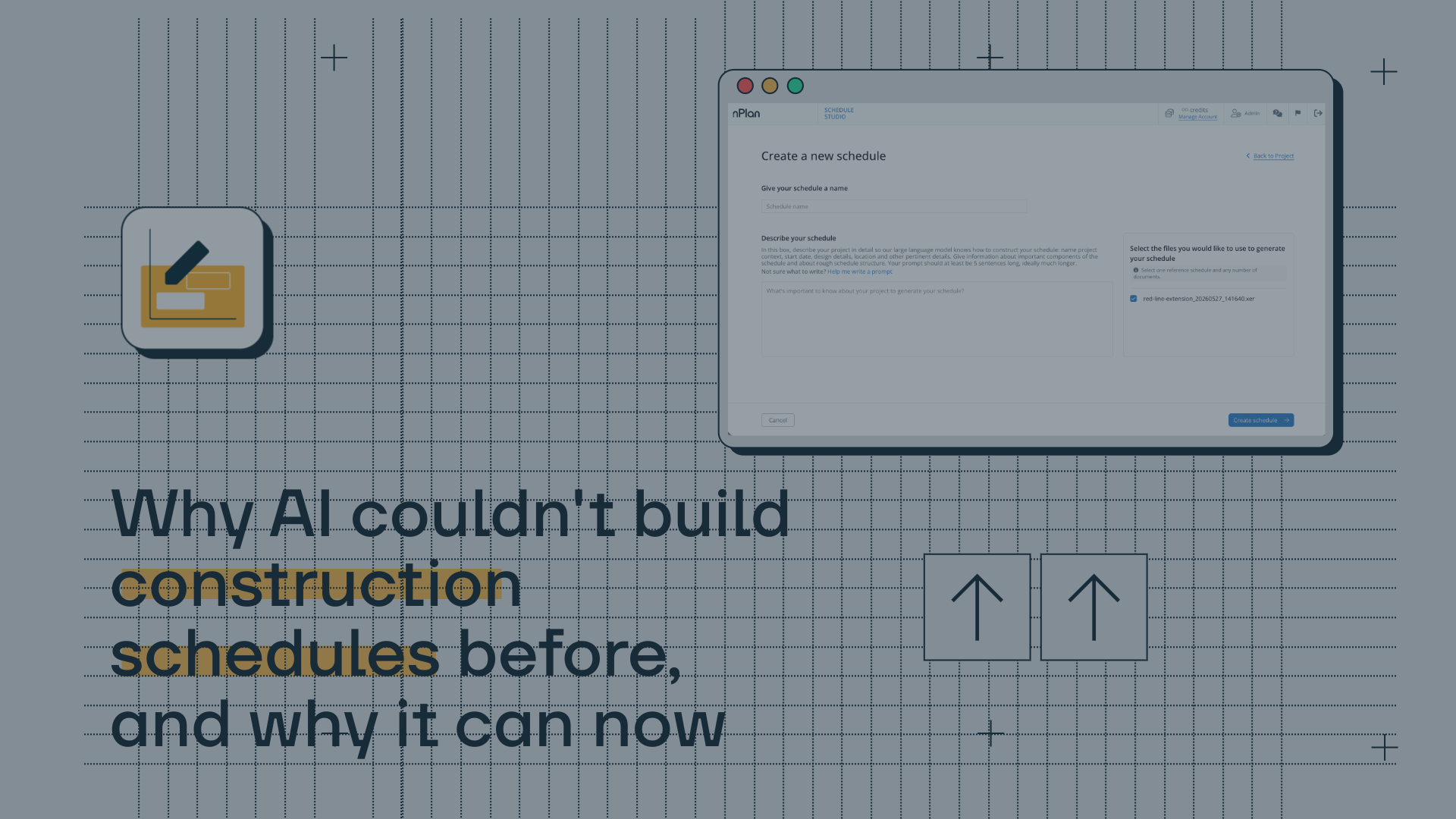
Why AI couldn't build construction schedules before, and why it can now
General purpose AI like ChatGPT or Copilot can produce a list of construction activities, but they can't produce a schedule. Here's the difference - and why it took specific training data, document processing, and multi-step reasoning to build the real thing.

The short version
A construction schedule isn’t a document, it’s a graph. General purpose AI (like Co-Pilot and Chat GPT) wasn’t built to process construction documents properly and generate graphs, and it wasn’t trained on a dataset of 750,000+ construction schedules, but Schedule Studio is.
Key takeaways
- A construction schedule is a graph with activities connected by logical dependences, organised into a WBS, with durations, milestones and constraints. General purpose AI wasn’t built for this
- Construction scope documents are a mixed bag: text, tables, drawings, diagrams. Standard AI processing strips out most of what matters to construction teams
- Producing a credible schedule requires domain specific training data. A model without construction knowledge produces generic outputs that sometimes look right, but are usually wrong
- Generating a schedule requires multi-step reasoning, not pattern matching. Understanding what must happen before what, what can run in parallel, and what the downstream effects of any change might be. General purpose AI models can’t do this effectively
If you’ve spent any time with tools like ChatGPT or Copilot, you might have already tried asking one to generate a construction schedule. You may have even got back something that looked, on the surface, like a schedule: a list of activities, some high-level phases, maybe even a rough sequence?
What you didn’t get was a schedule. Here’s why, and what actually changed to make the real thing possible.
A schedule isn’t a document, it’s a graph
This is the first thing that matters, and it’s where general purpose AI tools fall short by design.
A construction schedule is a network: activities connected by logical dependencies, organised into a hierarchical work breakdown structure, with durations, milestones, constraints and lags. It is simultaneously structured and unstructured data, and the relationships between elements are as important as the elements themselves.
Concrete pouring comes after formwork, structural steel follows groundworks, commissioning follows installation. These aren’t suggestions, they’re physical constraints that any credible schedule has to reflect. Getting them wrong doesn’t produce a slightly imperfect schedule, it produces one that just can’t be used.
That’s because general purpose language models were not trained to generate graphs, they were trained to generate text. What they produce when asked for a schedule is a plausible-sounding representation of one, which could be useful for brainstorming but not much else. At the end of the day, you’ll still need to go into P6 and build the actual schedule, entirely from scratch.
Construction documents are unlike any other document type
Most schedules start with a scope document. These are often several hundred pages and contain a mix of text, tables, engineering drawings, scanned images, annotated diagrams and specifications - usually presented in various formats, and all within a single file.
Standard AI document processing was built for documents that are mostly text: legal contracts, financial reports, technical papers. When those tools come up against a construction scope document, they strip out almost everything except the plain text. Tables become garbled, diagrams disappear and annotations are lost. The result is a stripped, partial understanding of the project, missing much of the information a planner or scheduler would actually use to build the schedule.
Getting usable, structured information out of complex construction documents in a reliable way needs a completely different approach: vision language models that can interpret document layouts, preserve table structures, and extract information from drawings as well as text.
But extracting the right information is only half the problem, knowing what to do with it is where things get harder still.
Even with good data, reasoning about construction logic is hard
Building a construction schedule requires complex, multi-level reasoning: what must happen before what, what can run in parallel, how scope in one area affects sequence in another, where the critical path runs, and what the downstream effects of a single change might be.
Early AI models generated outputs that looked coherent on the surface but fell apart under scrutiny. They were pattern-matching to an answer, rather than working through the problem. What changed was training models to work through problems step by step before generating an answer, the same way a planner would think through a sequence before committing it to paper. The result is a model that reasons about construction logic rather than approximates it.
None of this works without the right training data
This is where the difference between a general purpose AI and a purpose-built tool becomes most visible.
Even with all technical problems solved: document processing, graph generation, multi-step reasoning, a model trained on generic data produces generic outputs. It might generate a plausible schedule for a building project, but it won’t know that a substation project has a fundamentally different critical path, or that offshore wind construction logic differs materially from onshore, or that a rail project in a dense urban environment has constraints that a greenfield site doesn’t.
That’s where the right training data comes in. nPlan’s training dataset contains over 750,000 real construction schedules, the largest collection of past schedules in the world, representing every capital project sector. That’s what gives Schedule Studio outputs their credibility.
It’s also the reason that asking a general purpose AI to generate a construction model, no matter how advanced the underlying model, produces something fundamentally different to what Schedule Studio produces.
What this means in practice
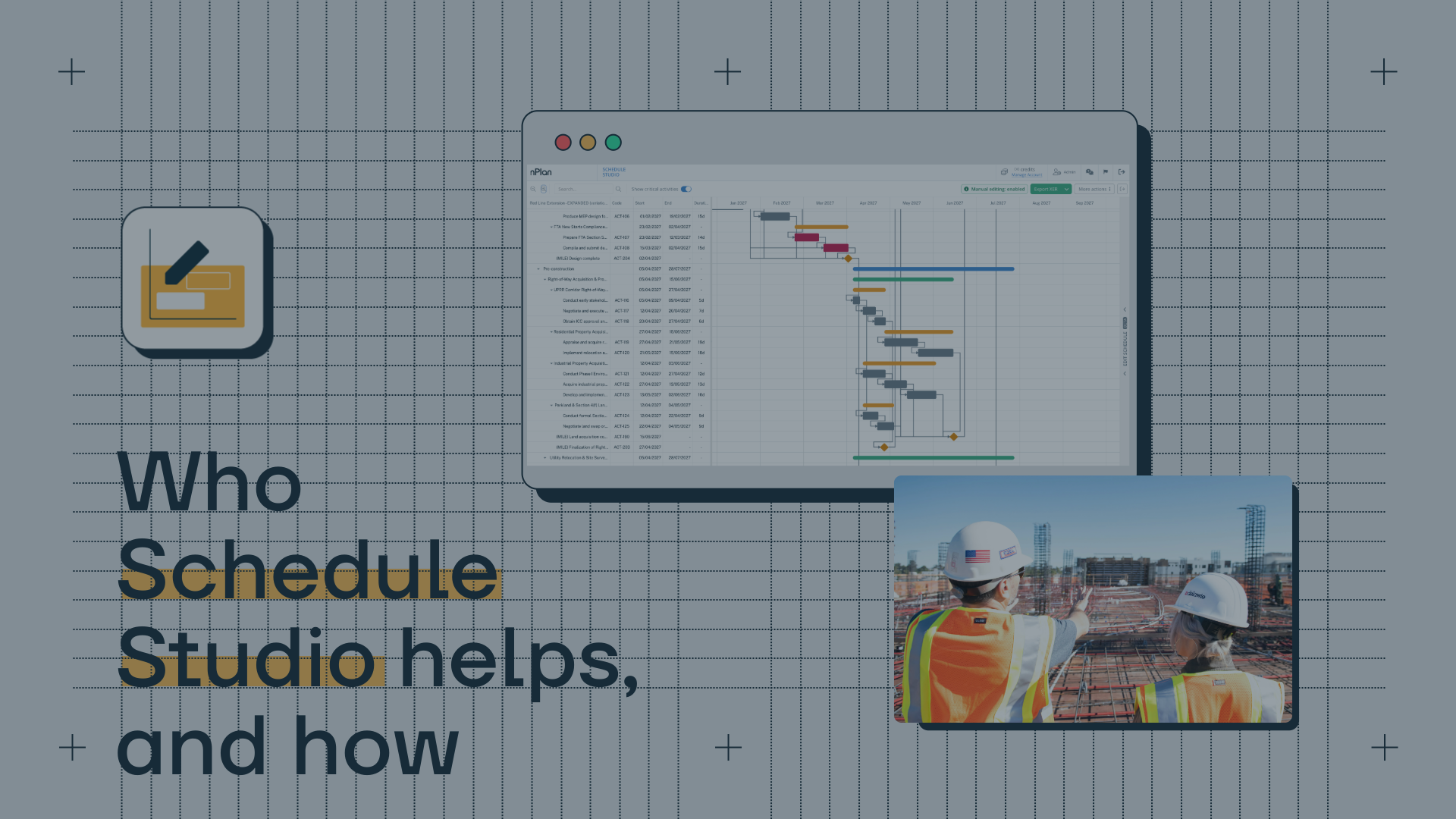
Schedule Studio is a tool that takes a scope document: an RFP, a contract or a set of project briefs, and produces a logically linked, construction-grade schedule in under an hour. It’s not a narrative of a schedule, and it’s definitely not a list. It’s a schedule with a WBS, logic-linked dependencies, durations and milestones, and it’s ready to export to Primavera P6 or MS Project.
Use Schedule Studio, and you’ll have the first 80% of the job done in a fraction of the time. The rest - the expertise, the project-specific judgement, the decisions that only an experienced planner can make - still belong to the people who understand the project.
Schedule Studio is available now. Try it for free here, or get in touch with our team to find out more.
.avif)


